Evaluating the Wheel Stacked Alphabet Canva Frame for Custom Design Projects
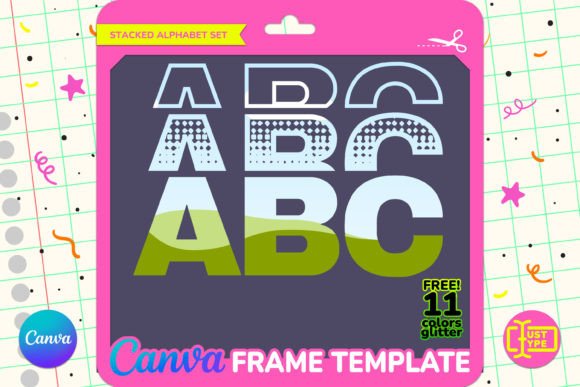
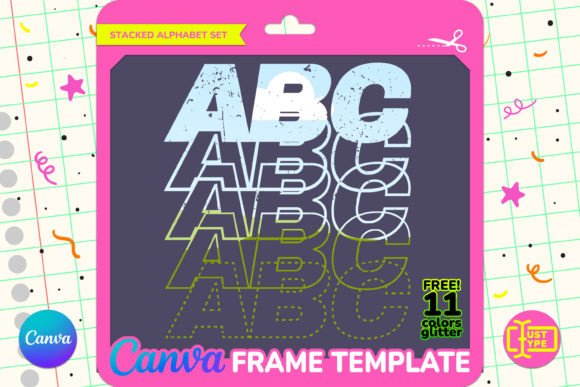
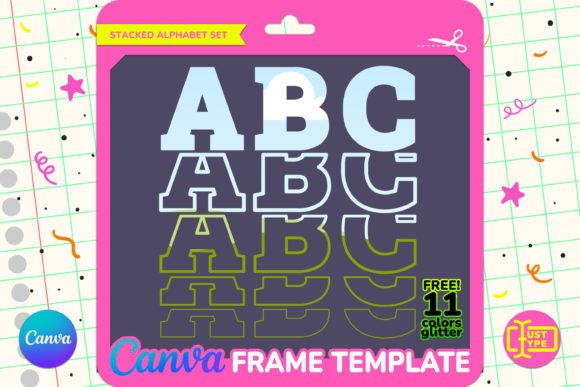
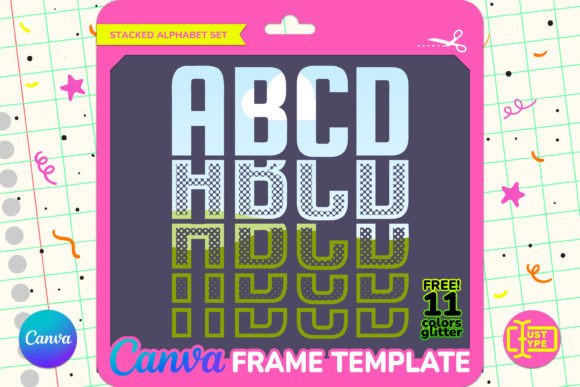
In the landscape of digital design, finding tools that balance ease of use with high-quality output is a constant pursuit. For creators looking to incorporate typography into their visual narratives without starting from scratch, the Wheel Stacked Alphabet Canva Frame offers a specific solution. This template allows users to generate captivating compositions by dragging and dropping patterns or images directly into letter shapes. Unlike traditional font files that merely color text, this approach treats letters as containers for creative content, offering a distinct aesthetic advantage.
This evaluation explores what makes the Wheel Stacked Alphabet Canva Frame unique, how it compares to other typographic methods, and who might benefit most from using it. By understanding its mechanics, limitations, and ideal use cases, designers can decide whether this tool fits their workflow.
Understanding the Core Mechanism: Frames vs. Fonts
To appreciate the value of the Wheel Stacked Alphabet Canva Frame, it is essential to distinguish it from standard typefaces. Most graphic design projects rely on fonts—digital files that define the shape of characters. While you can change the color or apply basic effects to text in Canva, the fundamental structure remains solid unless complex masking techniques are employed manually.
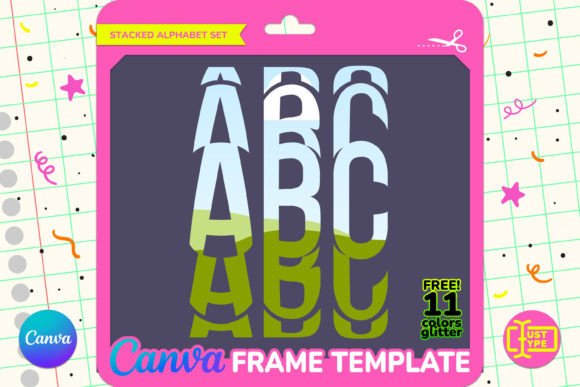
The Wheel Stacked Alphabet operates differently. It utilizes Canva’s frame feature, where each letter acts as a mask or container. When you drag an image, pattern, or texture into a letter, that image fills the shape of the character. This creates a "stacked" effect where the visual weight of the image defines the typography. The result is a dynamic interplay between form and content that standard fonts cannot achieve natively.
Key Technical Specifications:
- Vector-Based Quality: The file is vector-based, meaning you can resize the letters without losing quality. Whether you need a small social media icon or a large banner headline, the edges remain crisp.
- Dimensions: Letters are approximately 6 inches tall in their default state, providing a substantial presence in designs.
- Organization: All letters are well-organized within the project file, making it easy to pick specific characters for editing.
Comparing Approaches: Manual Masking vs. Pre-Made Templates
Designers often face a choice when creating image-filled typography: build the masks manually or use a pre-made template like the Wheel Stacked Alphabet Canva Frame. Each approach has distinct tradeoffs regarding time, skill level, and flexibility.
The Manual Approach
Using Canva Pro, a skilled user can create custom frames from scratch. They can draw shapes, import images, and group them to mimic stacked text. However, this process is labor-intensive. Creating a full alphabet requires duplicating the masking process 26 times (or more, if including numbers and symbols). Furthermore, ensuring consistent sizing and alignment across all characters demands precision and attention to detail.
The Template Approach
The Wheel Stacked Alphabet Canva Frame eliminates the setup phase. Users receive a PDF containing a direct link to the template. Upon accessing the template via a Canva account, the work is already done. The letters are pre-formatted as frames, organized logically, and ready for immediate use. This significantly reduces the barrier to entry, allowing users to focus on the creative aspect—choosing the right images and layouts—rather than the technical aspect of setting up the canvas.
Note: While the manual approach offers ultimate control over every pixel, the template approach offers speed and consistency. For most users, especially those managing multiple projects, the efficiency gain of the template outweighs the marginal benefits of building from scratch.
Integration with Bonus Assets: Glitter Textures
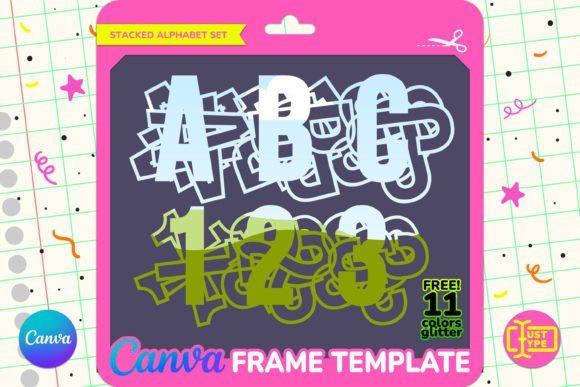
A notable feature of this specific product is the inclusion of a bonus pack featuring 11 dazzling glitter textures. These assets are crafted to harmonize seamlessly with the Spin Stacked Text style, suggesting a cohesive design ecosystem. In practical terms, these high-quality JPG files allow users to add an extra layer of charm and visual interest to their creations.
When comparing this package to standalone frame templates, the addition of complementary textures adds tangible value. Instead of sourcing external assets—which may vary in style or resolution—users have a curated set of materials designed to work together. This reduces decision fatigue and ensures stylistic consistency across a project.
Decision Factors: Who Should Use This Tool?
Determining whether the Wheel Stacked Alphabet Canva Frame is the right choice depends on your specific needs, technical comfort level, and intended output. Below are scenarios where this tool excels and situations where alternatives might be preferable.
Ideal Use Cases
- Social Media Content Creators: For Instagram posts, Pinterest pins, or Facebook ads, eye-catching typography is crucial. The ability to quickly fill letters with brand colors, photos, or patterns helps grab attention in crowded feeds.
- Small Business Owners: Entrepreneurs who lack advanced design skills but need professional-looking marketing materials can leverage this template to create polished quotes, announcements, or promotional graphics.
- Event Planners and Print Designers: Since the file is vector-based, it scales well for larger prints such as banners or posters. The clean organization of layers ensures that edits do not disrupt the overall layout.
Potential Limitations
While versatile, the Wheel Stacked Alphabet Canva Frame is not a universal solution. Users should be aware of certain constraints before purchasing.
- Canva Account Requirement: Editing requires a Canva account. While a free account allows for basic editing and downloading with a white background, a Canva Pro subscription is necessary for transparent background downloads. This is a critical consideration for designers who need to overlay their text onto existing photos or dark backgrounds.
- Not a Font File: As explicitly stated, this is a Canva Frame template, distinct from fonts, PNGs, or SVGs. It cannot be used in software outside of Canva, such as Adobe Illustrator or Photoshop, unless exported as a raster image. If cross-platform compatibility is a priority, this limitation may be significant.
- Static Structure: While you can change the content inside the letters, the structural shape of the "wheel stacked" style is fixed. If you require highly customized kerning, rotation, or distortion of individual letters beyond simple resizing, the template’s rigid organization might feel restrictive compared to a fully editable vector file.
Practical Workflow Example
To illustrate the utility of the Wheel Stacked Alphabet Canva Frame, consider a scenario where a boutique coffee shop wants to launch a new seasonal blend. The owner needs a series of social media graphics highlighting flavors like "Caramel," "Hazelnut," and "Vanilla."
Using the template, the designer opens the Canva link and selects the relevant letters. They then drag and drop high-resolution images of caramel drizzles, hazelnuts, and vanilla beans into the respective frames. Because the letters are organized, they can easily rearrange the word order. Finally, they might apply one of the included glitter textures to add a festive touch. The entire process takes minutes rather than hours, resulting in a cohesive, professional campaign.
Final Verdict on Value and Suitability
The Wheel Stacked Alphabet Canva Frame serves a specific niche in the digital design market: users who want impactful, image-driven typography without the steep learning curve of advanced graphic design software. Its strength lies in its simplicity and the vector-based quality that ensures scalability.
For individuals comfortable with the Canva interface and those who primarily create digital-first content, this template represents a strong value proposition, especially with the added bonus of glitter textures. However, users requiring cross-software compatibility or extensive manual manipulation of letterforms may find the restrictions of the Canva-only format limiting.
Ultimately, the decision hinges on your workflow. If you prioritize speed, ease of use, and visual impact within the Canva ecosystem, the Wheel Stacked Alphabet Canva Frame is a robust tool. If you need open-source vector files for complex print production or multi-platform usage, exploring alternative SVG or AI formats might be more appropriate. By weighing these factors against your specific project requirements, you can make an informed choice that enhances your creative output.